Projects
Manage multiple distinct story universes entirely offline with dedicated save files and local data privacy.
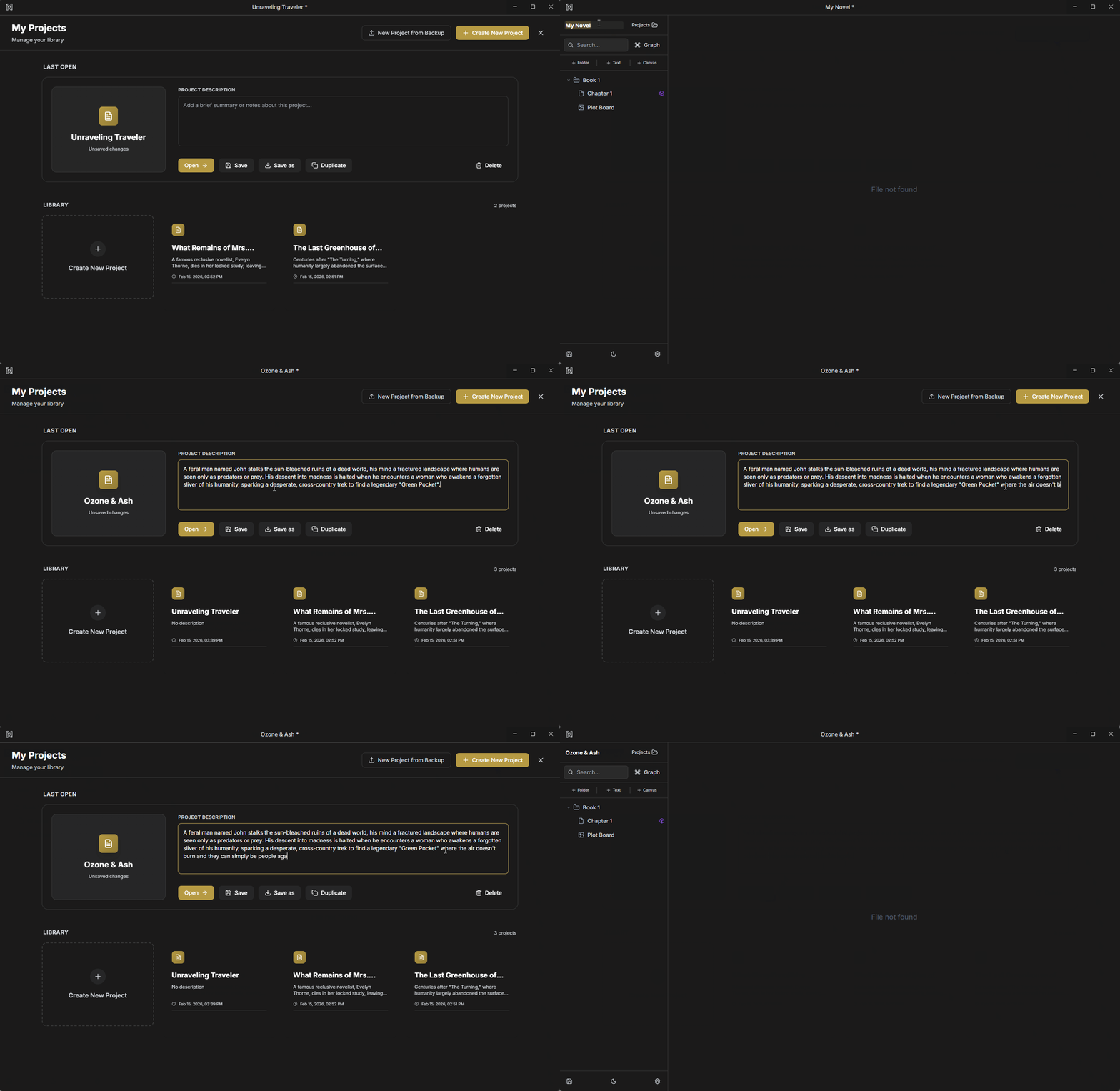
Wiki-Linking
Connect your universe effortlessly. Reference characters, settings, and lore directly within your manuscript without breaking your writing flow.
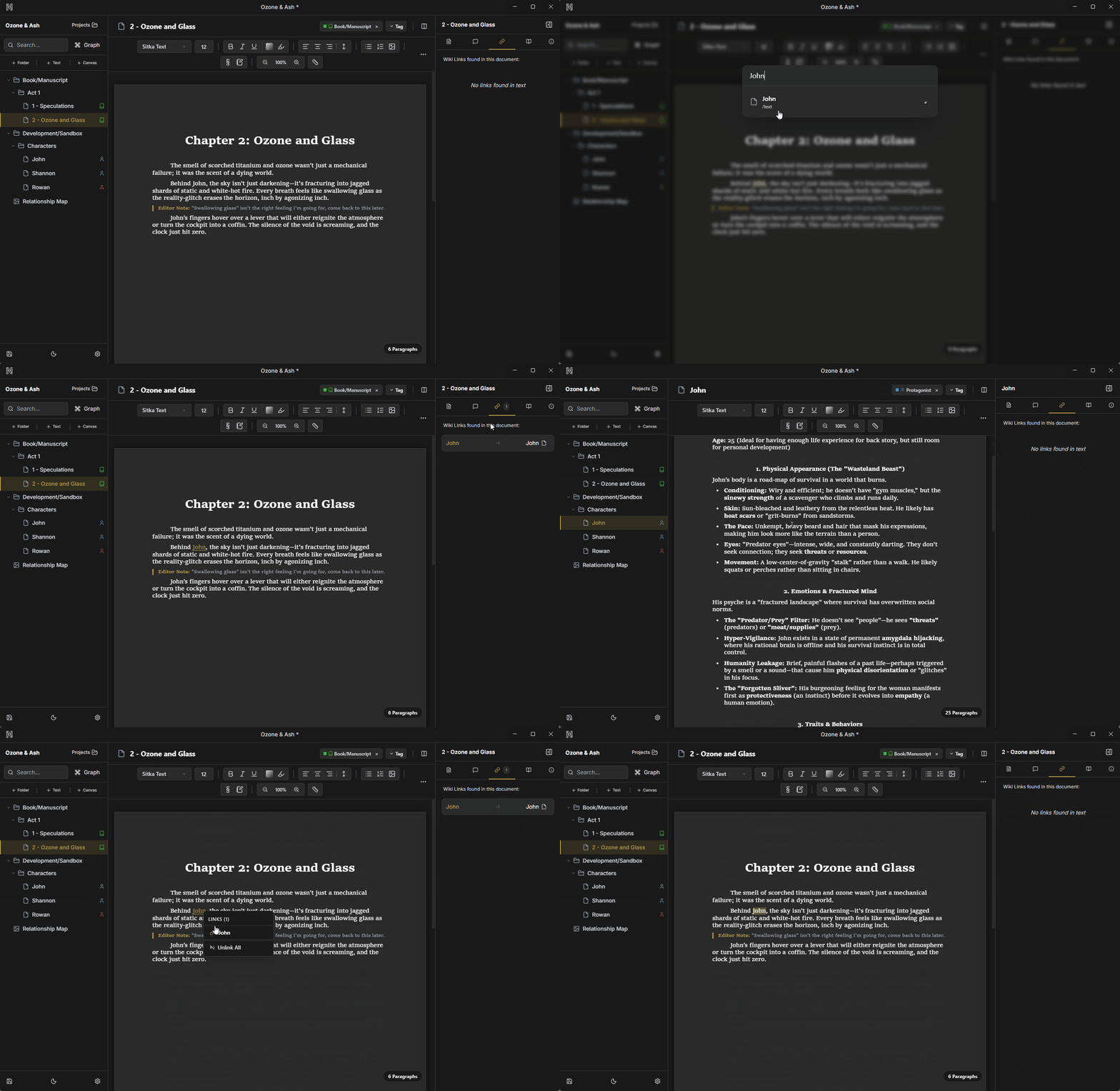
Word Comment Links
Leave notes for your future self. Highlight specific words or phrases to anchor contextual margin notes directly tied to your text.
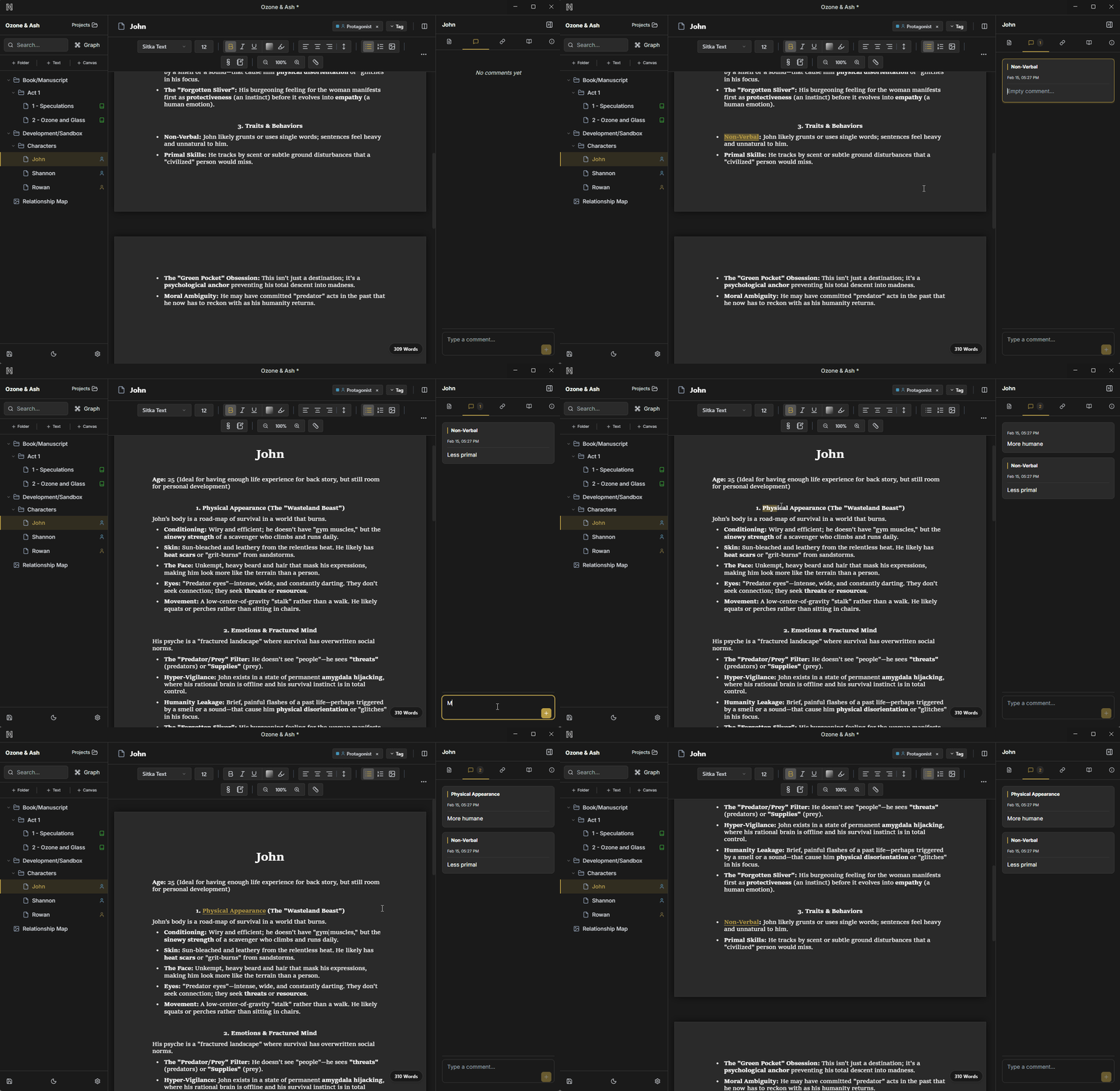
Intelligent Tagging
Organize by concept, not just by folder. Apply global tags to chapters, characters, and notes to quickly filter your entire project workspace.
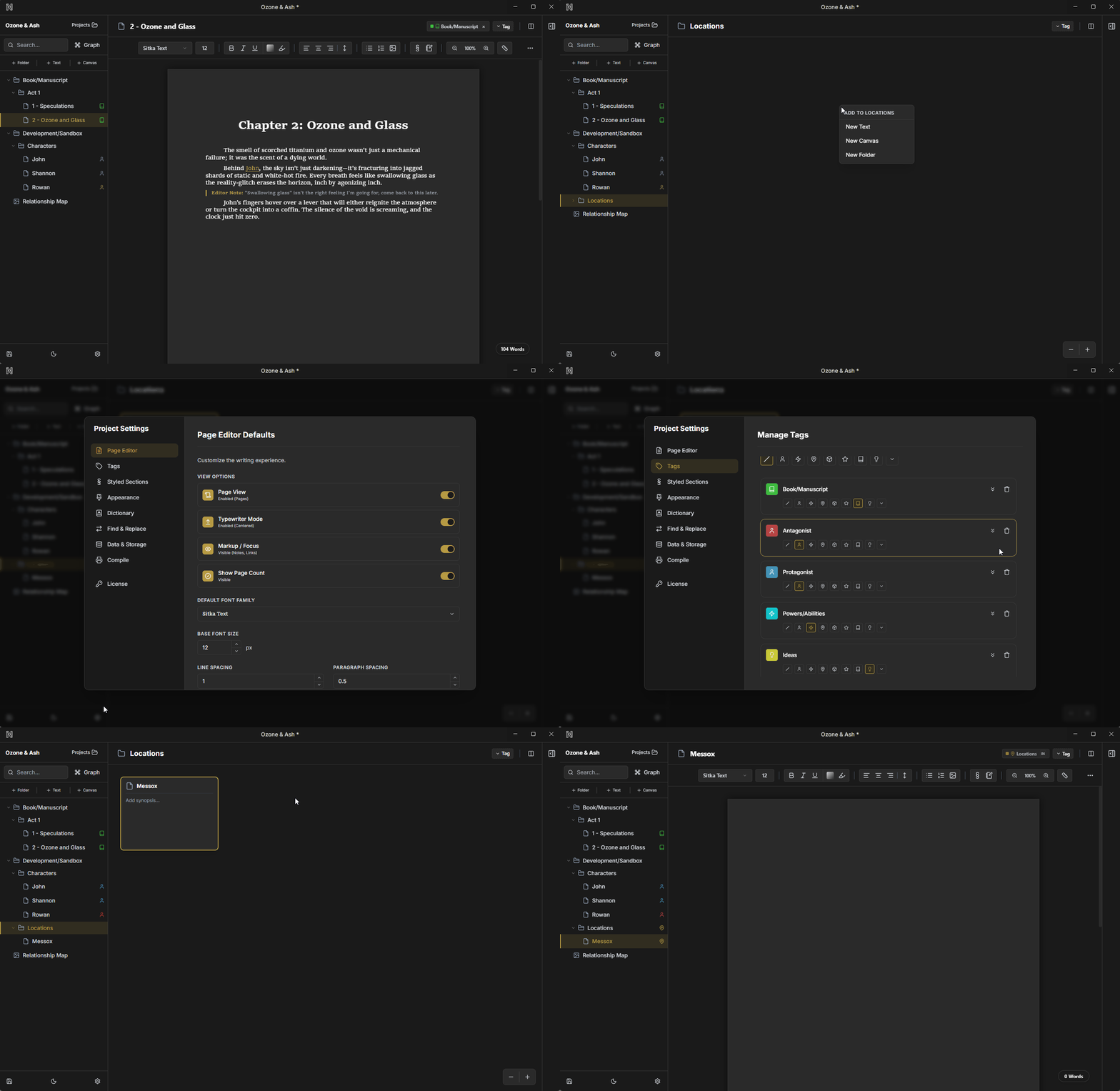
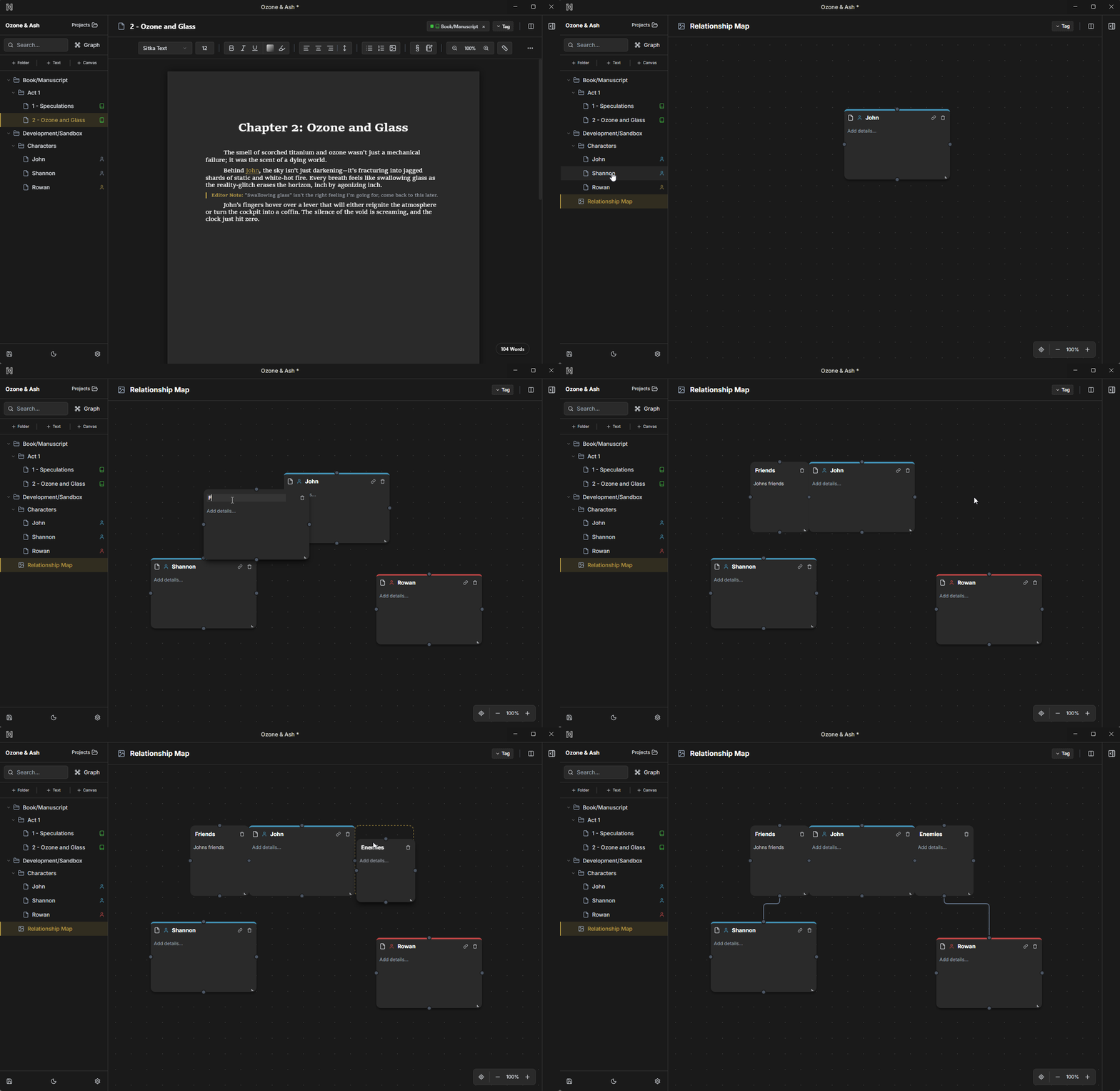
Infinite Canvas
Plot visually on an unlimited whiteboard. Snap cards together, draw orthogonal routing lines, and structure complex timelines.
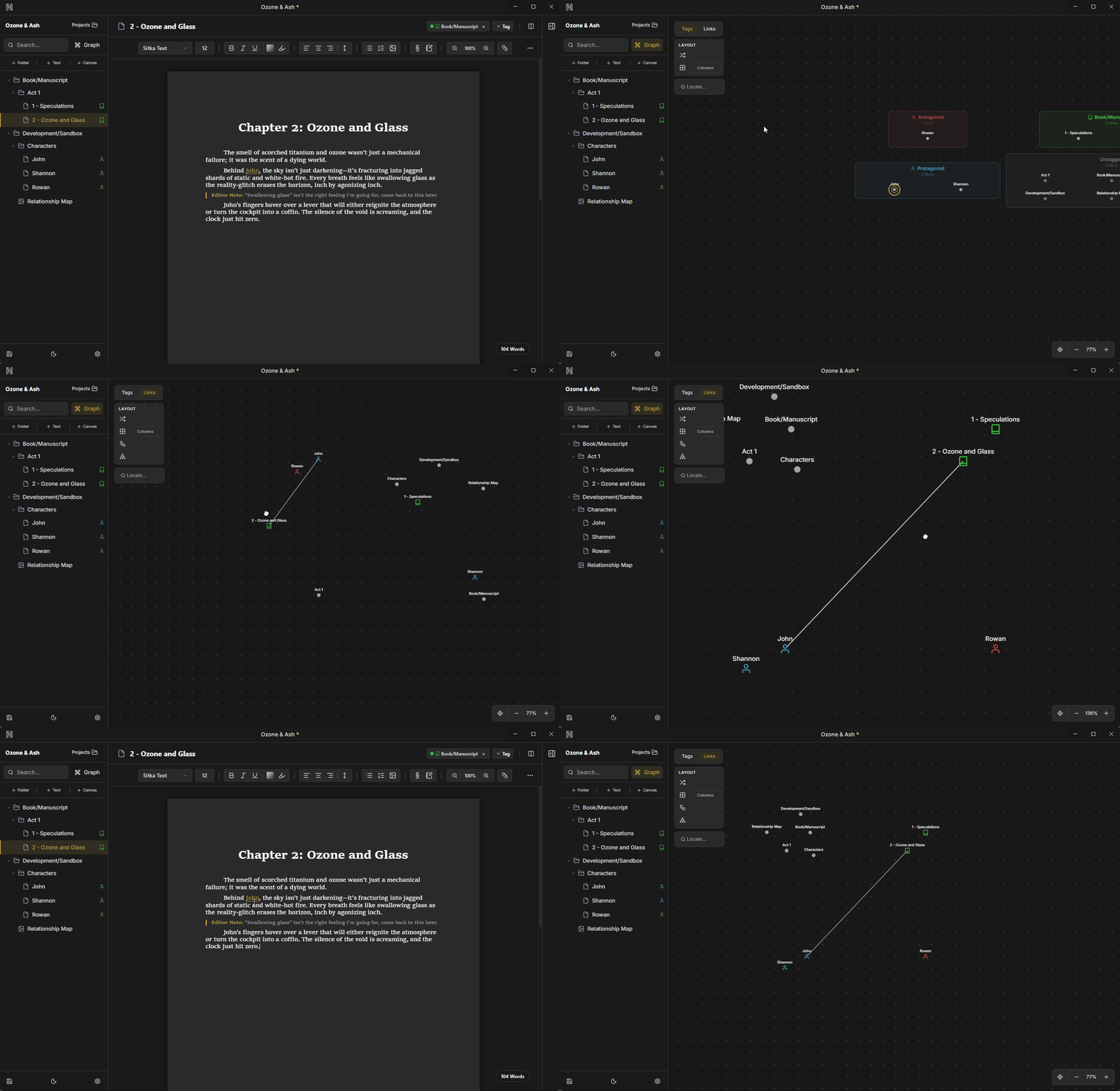
Dynamic Graph View
Visualize your story's architecture by switching between Tags view to see thematic clusters and Links view to trace the web of connections between your documents.
Custom Themes
Personalize the entire application interface with pre-set light and dark modes or design your own custom color palettes.
And So Much More
From native offline persistence and global thesaurus lookups to recursive file trees and custom layout engines—we're constantly expanding the ultimate novelist toolkit.
Editor Notes
Insert distinct, non-printing text blocks directly into your manuscript flow for scene goals, reminders, or directorial notes.
Paged vs Continuous
Toggle your editor view between a traditional print-preview layout with page breaks and an infinite digital scroll.
Split View
Open two documents side-by-side to reference your outline or character sheets while drafting your chapters.
Focus vs Markup
Switch between a distraction-free clean writing interface and a detailed editing mode that reveals comments and meta-data.
Synonym Finder
Access a built-in thesaurus instantly to find the perfect word without leaving your writing environment.
Custom Dictionary
Teach the spellchecker your unique world-building terms and character names to stop red underlines.
Find & Replace
Search for and update text across a single document or your entire project library at once.
Styled Sections
Create and apply reusable formatting presets for recurring elements like chapter headers, blockquotes, or scene breaks.
Backups
Automatically save rolling snapshots of your work locally to prevent data loss.
Typewriter Mode
Keep your active typing line locked to the vertical center of the screen to reduce eye strain and maintain focus.